 Pnyx
Pnyx
Pnyx
Your voice, perfectly written.

macOS 26+ · notarized by Apple · built-in automatic updates (Sparkle). The Windows Helper receives your iPhone/iPad dictations — requires the latest version of Pnyx.
On your device. Or in the cloud.
Every feature is built to be fast and private: on-device first, cloud only if you choose it.
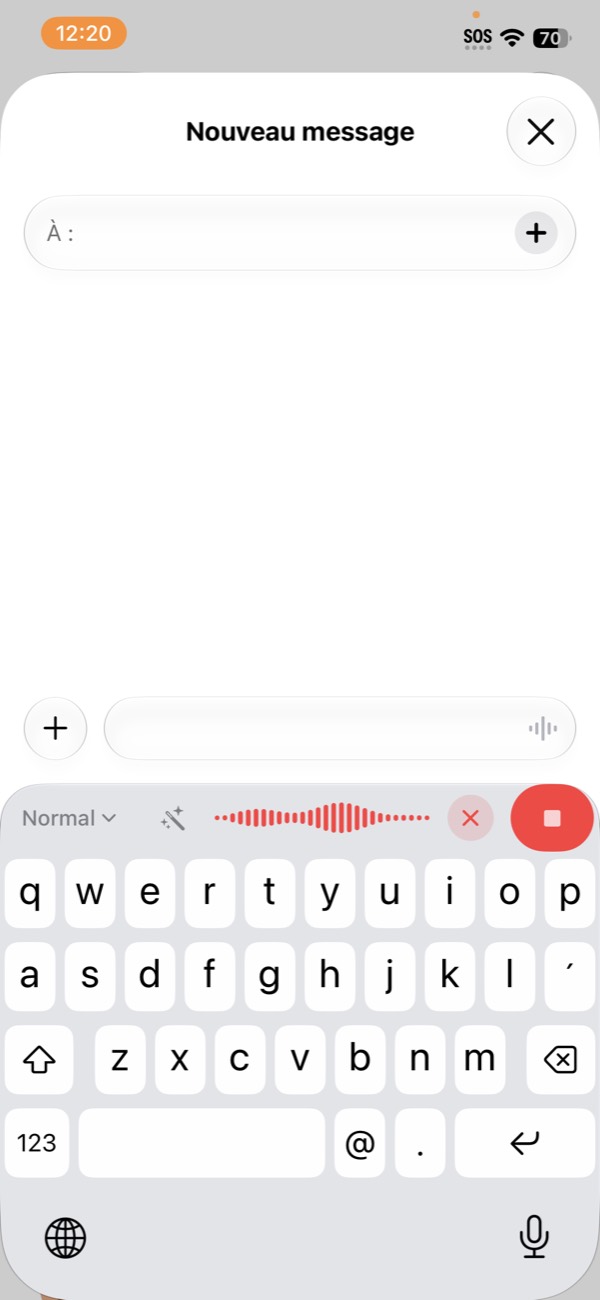
Fully on-device… or cloud transcription
On-device with Whisper, Parakeet, or Nemotron (NVIDIA) — nothing leaves your device. Or in the cloud (Groq, OpenAI, Gemini) with your own keys, for maximum speed.
AI text enhancement
Rephrase, correct, adjust tone and format: hand the text to Claude, GPT, Gemini, or Apple Intelligence (on-device), depending on the mode you pick.
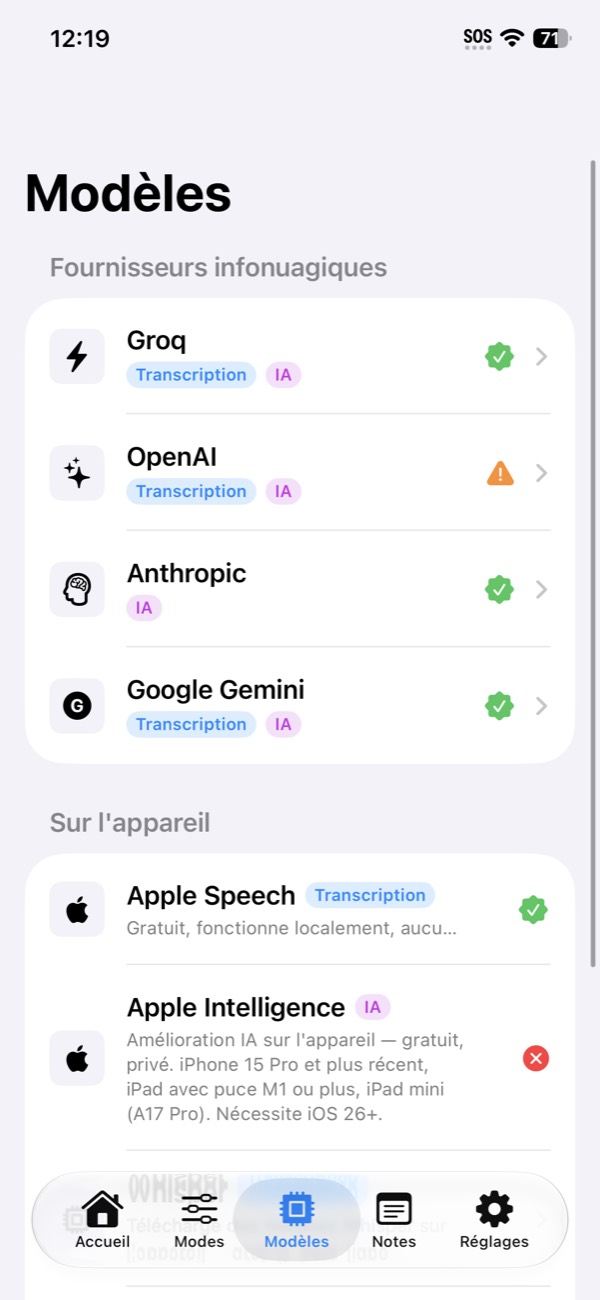
“um so actually i wanted to say that the thing doesn't work when i'm on the subway”
“I wanted to report that the feature doesn't work on the subway.”
Dictate in any app.
On iPhone, iPad, Mac — and even to your Windows PC.
iOS keyboard: dictate anywhere
A full keyboard with built-in dictation — in Messages, Mail, Safari, any app, without switching apps.
Pnyx for Mac
Global shortcut, dictation in any app with paste-at-cursor, and Power Mode: automatic rules per app or per website.
Pnyx Helper: dictate to your computers
Dictate on your iPhone or iPad: the text lands instantly on your Mac or PC (clipboard or paste-at-cursor), over the local network, encrypted, with no server involved.
Your words, well organized.
Notes, vocabulary, sync, and statistics: everything follows you across devices.
Notes with an AI assistant
Capture your ideas by voice, then summarize, structure, or expand them with the built-in assistant.
Personal dictionary
Proper names, jargon, acronyms: Pnyx learns your words and writes them correctly every time.
iCloud sync
Modes, notes, dictionary, and statistics follow you across devices — through your private iCloud, never a third-party server.
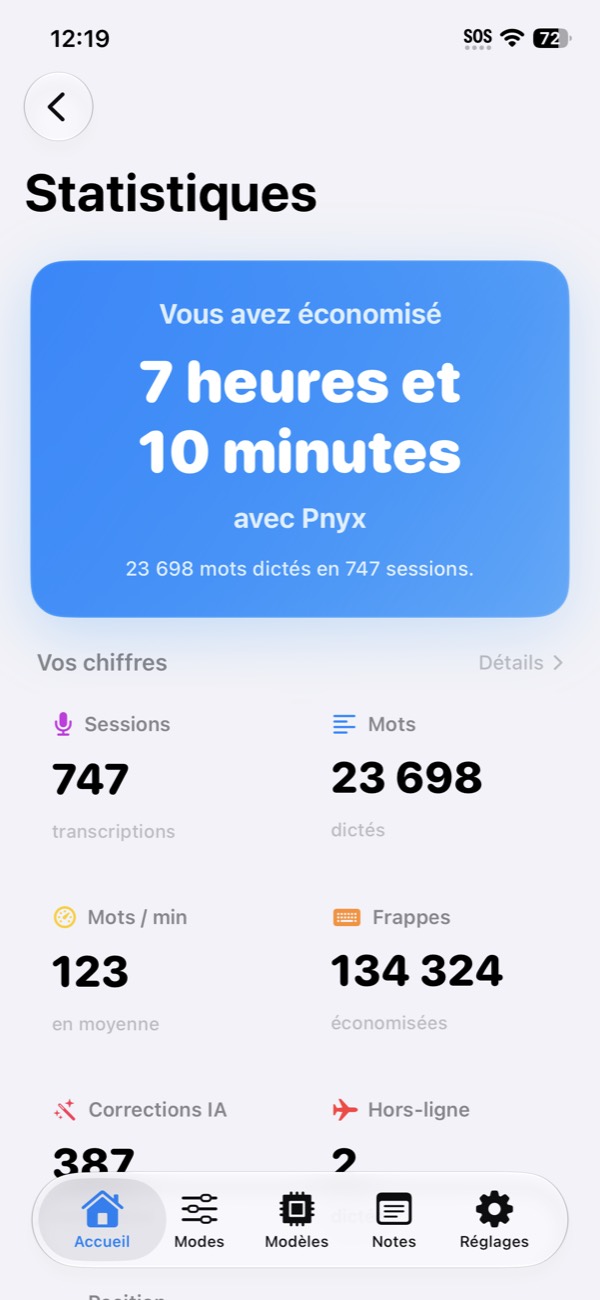
Statistics
Words dictated, time saved, streaks: track your usage — and compare yourself, if you like, on the world leaderboard.
No server. No data collection.
Pnyx has no server of its own: your dictations go from your device to the provider you choose — or nowhere at all if you stay on-device. The developer never sees your data.
Your data stays on your device, your API keys are encrypted in the Keychain. No Pnyx server, no tracking, no analytics.
Join the community
Ask your questions, suggest ideas, follow what's new, and chat with other Pnyx users.
Join the Discord
Pnyx for Mac
Smart dictation across all your Mac apps: press the shortcut, speak, and the text appears at your cursor.
Download Pnyx for Mac (0.5) · BetaOn Windows PCs: download Pnyx Helper for Windows (1.7) (portable — receive your iPhone/iPad dictations on the PC, updates itself; requires the latest version of Pnyx).
On iPhone and iPad: available on the App Store.